
AI clip generator for long videos.
Give your best moments a life beyond the full recording. intoshort finds passages in your long videos and turns them into editable vertical shorts with captions. You choose what makes the cut.
Start with a free trial. No credit card required.
See how a long video becomes shortsWhat can an AI clip generator
do with your footage?
intoshort turns selected passages from a long recording into short video drafts with captions and framing. Start with a podcast, interview, tutorial or stream, then review the moments before you publish them.
| Source videos | Upload a video file, or use a public YouTube video or Twitch VOD link. Only process footage you have permission to reuse. |
|---|---|
| Moment selection | AI suggests passages based on your instructions and existing source content. Longer passages can become numbered parts. |
| Video formats | Create vertical 9:16 shorts or export in 16:9. Review the automatic framing and adjust it in the editor. |
| Captions | Automatic captions with adjustable presets, size and position. Accuracy depends on the audio and language; review each draft. |
| Editorial control | Trim cuts, remove unwanted sections and choose which suggestions to export. The source determines how many useful clips are available. |
| Export quality | Up to 1080p on Basic; 1440p and 4K are available on Pro and High volume. A larger export does not add detail missing from the source. |
| Free trial | Try one source video with access to up to three shorts, depending on available moments. Free projects expire after three days. |
Before and after:
the clip generator in action.
See the same footage move from a widescreen source to a captioned vertical composition in this demonstration from our landing page. Check the framing on your own clips before export.
Use the AI clip generator
in three steps.
Bring the recording. Set the direction. Review what is worth sharing.
Give the generator your source
Upload your recording or paste a public YouTube or Twitch VOD link you have permission to use. Start with the full video, without preparing individual cuts.
Set your clip generator preferences
Describe the moments you want, choose a target length and set your captions and video quality. The generator looks for passages that fit your direction.
Review the generator's first cuts
Watch the suggestions, check the context and refine the cuts, framing and caption style. Download the shorts you approve when their renders are ready.
Why choose intoshort
as your AI clip generator?
Spend your review on the moment, the context and the edit. Here is what that looks like inside the product.
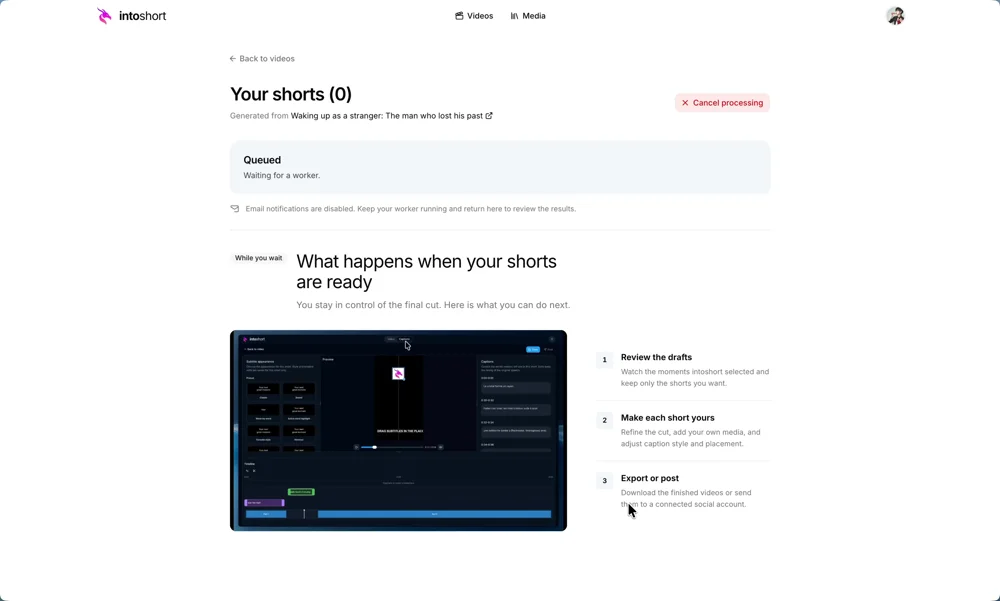
A generator that starts with real moments
Get a review queue of selected passages instead of splitting the whole recording at fixed intervals. Check every suggestion against its source and keep the stories that stand on their own.
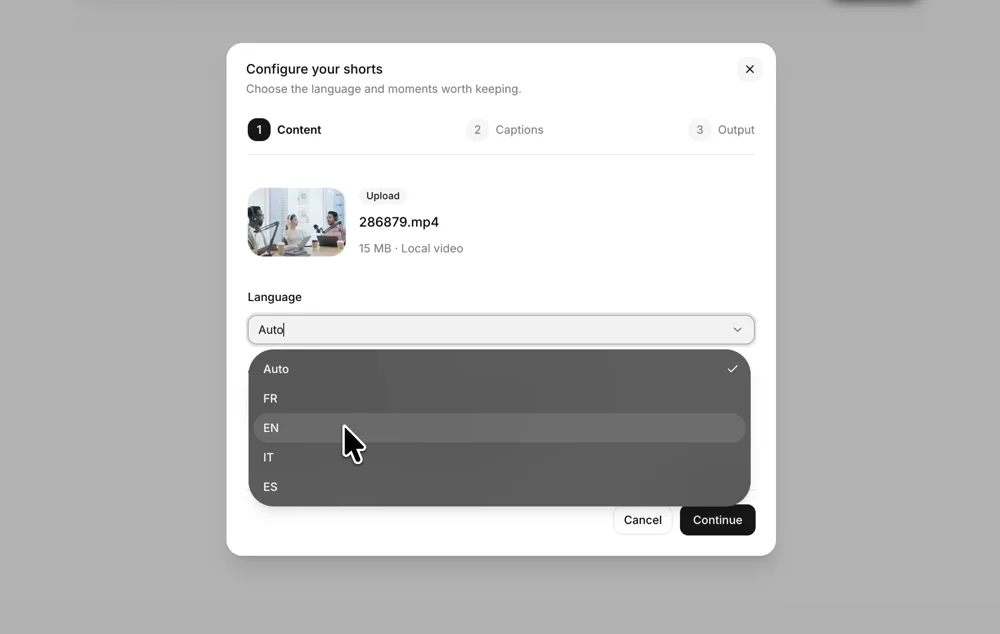
A generator with caption settings you choose
Prepare captions with the first draft, then choose their preset, size and position. Watch the result for timing and readability before you export.
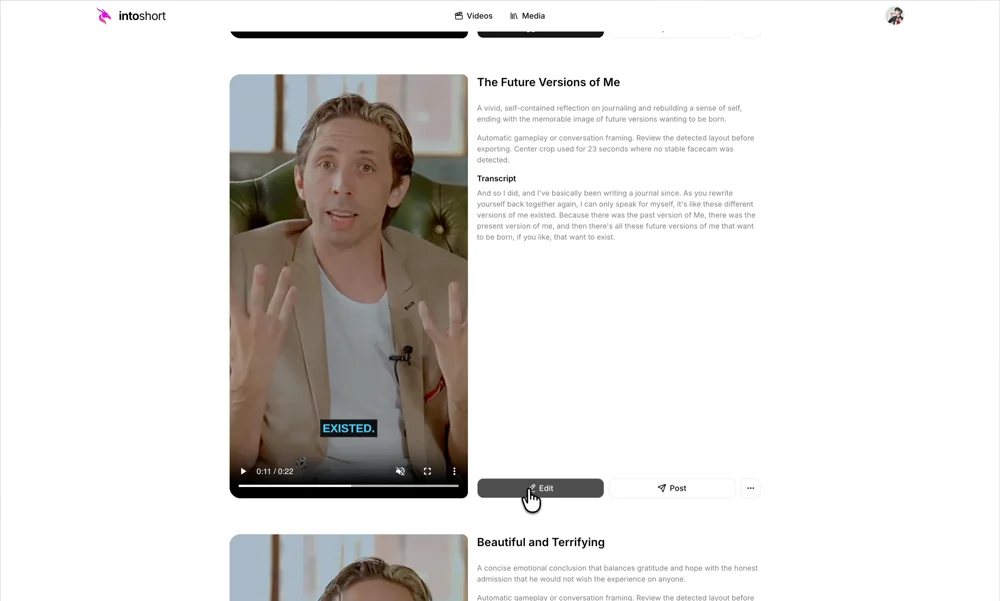
A generator that leaves you the final edit
Remove sections that weaken the moment, adjust the framing and export the version you approve. A generated suggestion is a starting point for your editorial decision.
AI clip generator.
Your questions, answered.
How do I turn a long video into a short video?
Add your video, choose the moments and clip length you want, then start processing. intoshort suggests short videos with captions. Review the cuts, context and framing before exporting. You can leave after the source finishes uploading and return when your drafts are ready.
Can I convert a long video to shorts for free?
The free trial covers one source video and access to up to three shorts, depending on the moments available. The trial has no separate duration cap, but shared file-size and processing limits apply. Free projects expire three days after creation. See Pricing for the current plan details.
Which long videos can I use?
Upload a video file or paste a public YouTube video or Twitch VOD link that you have permission to process. Podcasts, interviews, tutorials and streams can all contain useful passages. Private, age-restricted, region-blocked or otherwise inaccessible links may fail to import.
Is there a maximum video length or file size?
Uploads have a 20 GiB file-size limit. There is no single maximum-duration promise: your plan's source-minute allowance, the format and shared technical limits also matter. Long or high-resolution recordings take more time to process.
Can I edit the short videos and subtitles?
Yes. You can trim cuts, remove sections, adjust framing and change the subtitle preset, size and position before export. Transcript text is available for review, but manual correction of the transcript text is not currently supported.
How many shorts will my long video produce?
You choose a target, but the source determines what is available. intoshort may return fewer suggestions or flag weak matches. Poor audio can affect captions, brief visual moments can be missed, and every draft still needs your review. No tool can guarantee that a clip will go viral.
Your next short is in the footage.